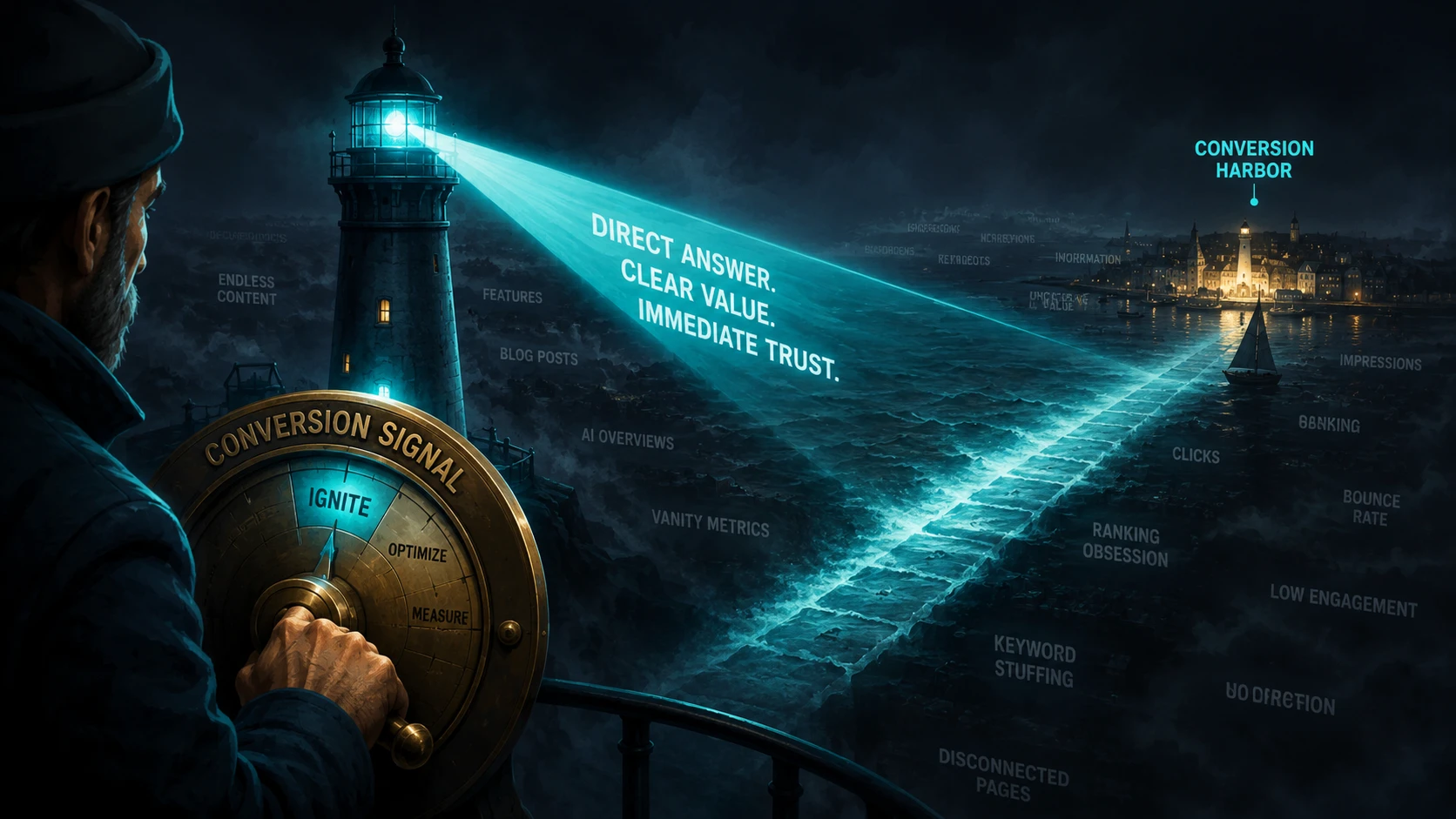
Short answer: a call to action works when it answers the three questions a visitor has before pressing it — what happens, how long it takes, and what it costs. Almost every weak button fails because it is vague rather than because it lacks force. Naming the actual next step does more than any amount of commanding language.

What a vague button actually costs
“Contact us” is on an extraordinary number of service sites, and it is worth being clear about why it underperforms.
It does not fail to be persuasive. It fails to be informative. A visitor who has just read three pages comparing you against two competitors is not looking for excitement — they are trying to reduce an open decision. A button labelled “Contact us” adds one more unknown to a list they are already trying to shorten: what will happen, who will contact them, when, and whether there is a sales pitch involved.
The cost is not a lost click. It is the handful of visitors who close the tab rather than find out, and the follow-up conversations that begin with “sorry, I wasn’t sure whether this would cost me anything”.
| Label | What the visitor still has to work out |
|---|---|
| ”Contact us” | Everything |
| ”Learn more” | What they will learn, and why now |
| ”Request a quote” | How fast, what it needs, whether it is binding |
| ”Book a 15-minute call — no charge, weekdays 9–5” | Nothing |
The bottom row is the only one that converts the reader’s uncertainty into a decision. Notice that it is not more assertive than the others — it is just specific. Assertiveness reads as pushiness and it costs trust; specificity reads as competence.
Key takeaway: write the button for someone who has not read your pricing page and does not want to. Assume the only thing they will do is press it.
The three things worth saying
There is a short list of things worth putting in a button or immediately above it, and it is worth resisting the urge to add more.
- The commitment. What it costs in money, and what it costs in time. “Free”, “no obligation”, “15 minutes” — pick whichever is genuinely true and true is the operative word.
- The timing. When they will hear back. This is the single most useful thing on most service pages, and it is nearly always absent.
- The input. What you need from them to proceed, so they can gather it before pressing. “Have your address and a rough date ready” removes an entire round trip.
This is partly a writing problem and partly an interface one, and the interface half matters more: Nielsen Norman Group’s heuristics cover both visibility of system status and matching between system and the real world — a button should say what the system will actually do. [1] “Submit” describes the mechanism, not the outcome.
One primary action, and everything else quieter
A page with a booking button, a newsletter signup and three social links given equal prominence has not given the visitor three options — it has given them a task. Some will pick one; more will pick none.
The fix is visual hierarchy rather than removal. Readers scan rather than read in order, so what is visually dominant is what gets read. [2] Keep the phone number, because some people will always prefer to call and hiding it creates a worse problem. Make it text, quiet, findable. Make one action a button. Where actions sit within a site is a structural decision, not a copy decision, and it is worth deciding deliberately rather than inheriting it. [5] The test is whether someone who has read only the top of the page on a phone knows what to do, which is also the test that matters for anyone summarising your page, since a summary will carry the one clear action and drop the four competing ones.
Mid-page links earn their place only when they resolve something
A link in the body of the page is worth having when it answers a specific objection at that point in the reading: the one near your coverage area, the one beside your pricing, the one explaining what happens at the survey.
A link at the end of every section is not a set of links, it is a pattern the eye has learned to skip — including, eventually, the ones that mattered. The reason mid-page links often outperform the main button is not that they are more persuasive, and not that they are better written than anything else on the page; [3] it is that they arrive while the specific concern is live, and they can say the thing that concern needs to hear.
The honest word about search systems and buttons
The previous version of this article claimed that buttons generate “actionable entities” that make a search system record your site as a high-intent destination, and that this raises your citation rate. There is no such mechanism. Those terms were invented, and a search system has no concept of a link label’s commercial intent.
There is a real and much smaller effect worth keeping. A sentence that states plainly how to start with your business is easier to summarise than one that does not, and the same is true of the rest of your copy. Nobody needs a button for that to work — it is an ordinary property of clear writing, and it is why the top of the page and the page’s actual content matter more than the button. The label a machine sees is part of a sentence it already has to understand, and the title it shows in results comes from your page title and meta description rather than from anything below the fold. [4]
If a vendor is selling you “AI CTA optimisation” as a distinct product, that is what you are being sold.
What to do first
- Rewrite your primary button to include the commitment and the response time. Nothing else on the page matters as much.
- Demote everything competing with it. Text, not buttons.
- Walk your booking path on a phone. Note the first point where you hesitated — that is your real CTA problem.
- Add one mid-page link beside the objection you answer most often in phone calls.
- Check the confirmation message. It is part of the CTA, and it is usually the weakest part of the sequence.

How this connects
- Capture and book covers the full path rather than the last step.
- Reducing friction covers what happens after the button is pressed.
- Headlines that command attention covers the first line of the page, which has the same job as the last.
- Website architecture covers where actions belong across a site.